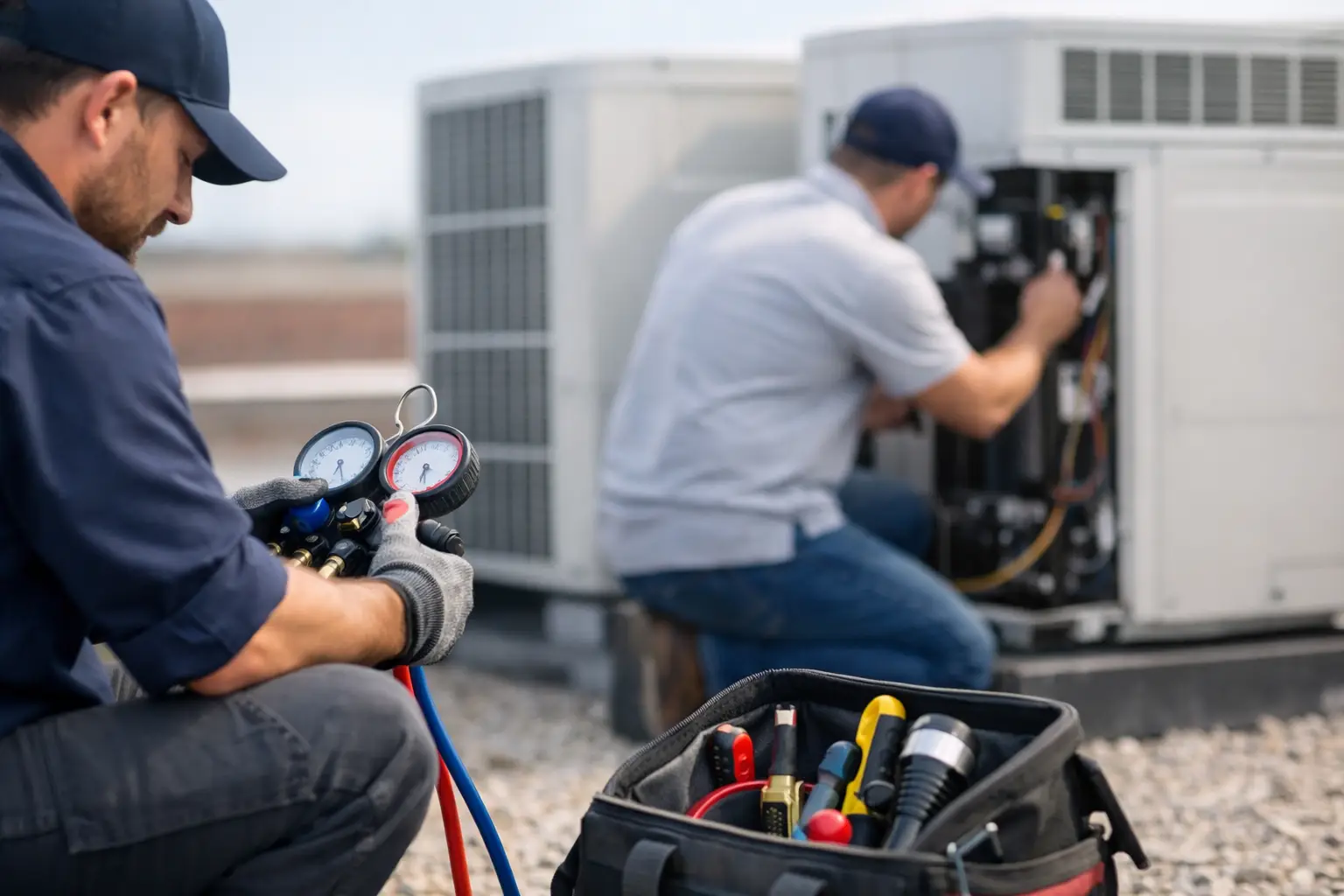
A callback usually starts before the technician leaves the driveway. A missed airflow issue, an unverified defrost fault, a loose low-voltage connection, or a repair explained too quickly can all bring the customer back to the phone. To reduce HVAC service callbacks, contractors need a field process that makes the first repair more complete, more testable, and easier for the next technician to understand.
Callbacks will never disappear entirely. Parts can fail unexpectedly. Intermittent faults can hide during a service visit. Customers may mistake a new symptom for the original issue. The goal is not to blame technicians for every return trip. The goal is to identify preventable repeat calls and give technicians practical support before they close the job.
Start With the Real Reason for the Callback
Do not classify every callback as a technician error. That creates defensive reporting and hides useful information. Instead, use a small set of clear categories: incomplete diagnosis, installation or repair issue, failed part, changed customer condition, customer-use issue, or unrelated problem.
This distinction matters. A capacitor that tests within range during the first visit but fails two days later is not the same problem as a capacitor replaced without checking the condenser fan motor, contactor, electrical connections, and system operating pressures. One is an unpredictable part failure. The other may be a diagnostic gap.
Review callback categories regularly. If multiple return trips involve drain problems, look beyond the individual calls. Are technicians checking trap configuration, drain slope, float switch operation, and secondary protection? Are they documenting the condition of the coil and blower cabinet? Patterns point to a process problem that can be corrected.
Build a First-Visit Diagnostic Routine
Fast service does not mean skipping steps. It means following the right steps in the right order so technicians do not circle back to the same equipment later. A consistent diagnostic routine helps experienced technicians work faster and gives newer technicians a dependable path when the problem is not obvious.
Start with the complaint, then verify it. Ask what the customer saw, heard, smelled, or experienced. Find out when it happens and whether the issue is constant or intermittent. A system that "does not cool" may have a thermostat issue, airflow restriction, control failure, refrigerant problem, electrical fault, or simply poor comfort caused by a building condition.
Next, confirm the equipment sequence of operation. Check power, controls, safety circuits, airflow components, and refrigeration operation in an order that fits the system. Technicians should avoid jumping directly to the part that seems most likely. Replacing the first suspicious component without confirming the surrounding conditions is one of the quickest ways to create a callback.
A good diagnostic routine also includes a stop point. Before quoting or making a repair, the technician should be able to state the failure, the evidence supporting it, and what related conditions were checked. If that explanation is unclear, the diagnosis may not be complete.
Check the Conditions Around the Failed Part
Parts often fail for a reason. A failed blower motor may be connected to high static pressure, a dirty coil, weak capacitor, incorrect speed tap, damaged wheel, or restricted return. A tripped pressure switch may involve venting, drainage, inducer operation, combustion air, or a failing switch. Replacing only the failed part can restore operation temporarily while leaving the cause in place.
This does not mean every service call requires a full system overhaul. It means technicians should inspect the conditions most likely to affect the repair they are making. The right scope depends on the symptom, equipment age, customer approval, and what testing reveals.
Verify the Repair Before Leaving
The final operational check is where many avoidable callbacks are prevented. Equipment that turns on is not necessarily equipment that is operating correctly.
After a repair, run the system through its normal sequence. Confirm the original complaint is gone. Check that safeties and controls respond as expected. Verify temperatures, pressures, electrical readings, airflow indicators, condensate drainage, or combustion performance as appropriate for the equipment and repair.
For example, replacing a contactor should include more than seeing the outdoor unit start. Confirm control voltage, line voltage, wire condition, contactor operation under load, compressor and fan amp draw, and normal cooling performance. If the contactor was badly pitted, determine whether low control voltage, insects, overheating, or another condition contributed to the failure.
For intermittent issues, verification takes more judgment. A fault may not reappear during the visit. In that case, document what was observed, what was tested, what readings were recorded, and what the customer should watch for. Do not present an unproven diagnosis as certain. Clear language protects trust and gives the next technician a useful starting point if the issue returns.
Make Documentation Useful in the Field
A note that says "repaired unit" does not prevent callbacks. It forces the next technician to start from scratch, and it gives the office little information to review the job. Useful documentation is brief but specific.
Technicians should record the reported symptom, confirmed cause, readings that supported the diagnosis, parts installed, relevant conditions found, and the verification performed after the repair. Photos can help when they show wiring, equipment condition, failed components, or model and serial information. The point is not to create paperwork for its own sake. The point is to preserve diagnostic information.
When a return visit is necessary, the technician should be able to see what happened on the first call without searching text messages, calling the original technician, or digging through a long manual. That continuity shortens the second visit and helps managers distinguish a true callback from a separate failure.
HVAC Assist Pro can support this work by putting manuals, guided diagnostic instructions, calculators, and technician-shared field knowledge in one account-based workspace. It is not a replacement for dispatch, billing, or customer management tools. Its value is helping technicians solve equipment problems with less time spent hunting for information.
Give Technicians a Reliable Way to Ask for Help
Callbacks often happen when a technician feels pressure to make a decision without enough information. Calling a senior technician can help, but verbal advice is easy to lose and difficult to repeat across a team. A better approach captures common problems, confirmed fixes, and the reasoning behind them where technicians can find it later.
Encourage technicians to share unusual faults and successful repair paths. A good field post includes equipment type, symptom, tested conditions, measured values, failed component or root cause, and final verification. Over time, this creates a practical knowledge base built around the equipment your team actually services.
This also improves training without turning every technician into a classroom student. Newer technicians can follow guided checks and learn why each reading matters. Senior technicians can spend less time answering the same questions and more time helping with the difficult exceptions.
Measure Callbacks Without Creating a Blame Culture
Track callback rate by technician, equipment type, repair category, and time after the original visit. A return call within 24 hours may point to a repair or verification problem. A return three weeks later may be a failed part, a related issue, or an unrelated concern. The time window should inform the review, not make the decision by itself.
Look for trends before reacting to one event. One technician may have more callbacks because they handle more difficult diagnostics, older equipment, or after-hours calls. Another may have a low callback rate because they receive mostly maintenance work. Numbers need context.
Use the findings to improve checklists, diagnostic guides, and coaching. If callbacks follow certain repairs, create a short verification standard for those jobs. If repeat calls increase on a specific brand or system type, organize the manuals, known issues, and test procedures technicians need before the next call.
Set Clear Expectations With Customers
Customers can help prevent unnecessary callbacks when they know what was repaired and what remains uncertain. Before leaving, explain the issue in plain language, state what was done, and describe what normal operation should look like. If the system has an age-related risk or another condition that was not repaired, say so directly.
Avoid vague closing statements such as "you should be good." A better message is: the drain blockage was cleared, the float switch was tested, cooling is operating normally, and the customer should call if water appears again or if the system stops cooling. That gives the customer a clear baseline instead of an assumption.
The best way to reduce callbacks is not to rush technicians or add paperwork. It is to give them a repeatable problem-solving process, the right information at the point of service, and enough time to prove the repair worked before the truck leaves.