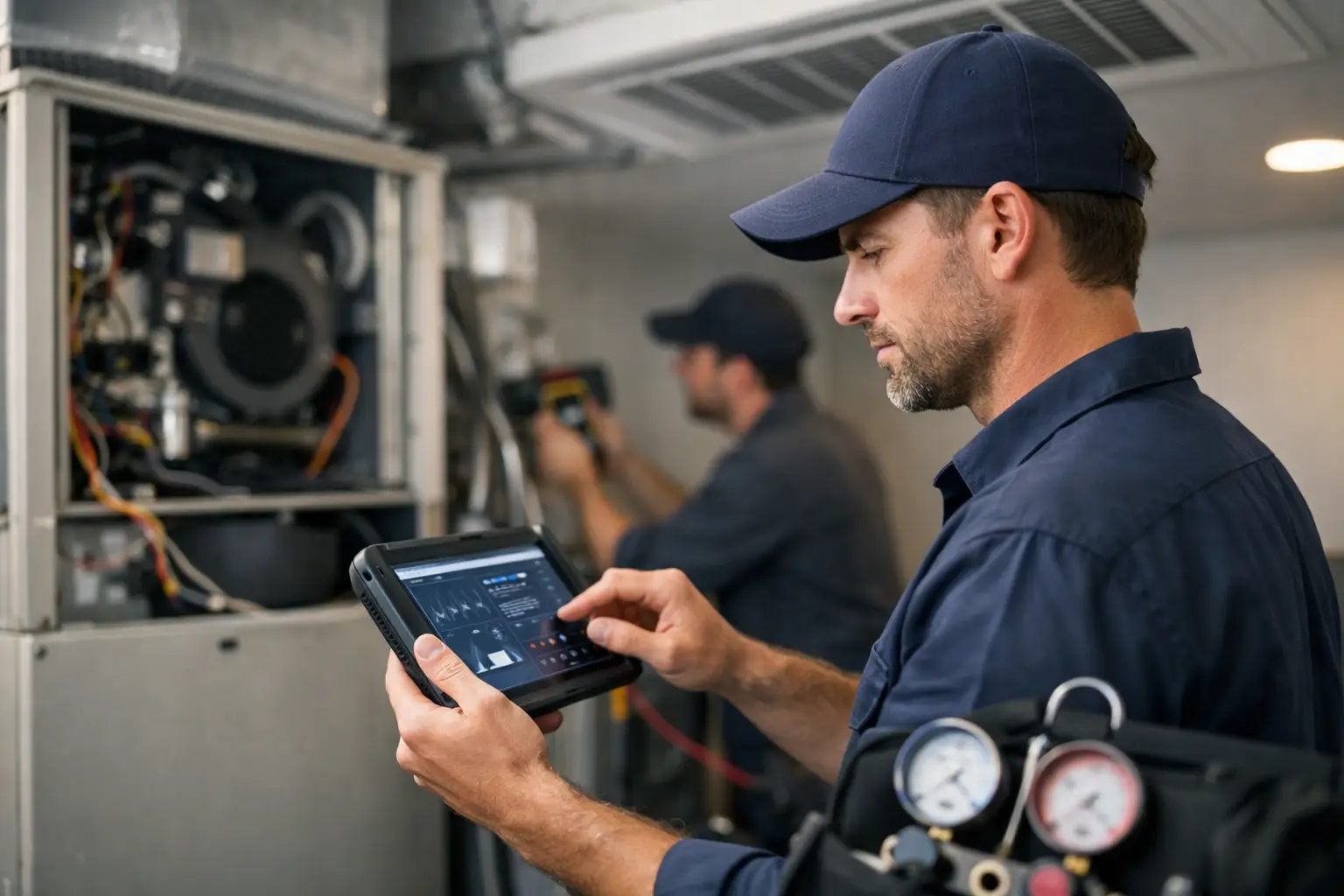
A technician is standing beside a no-cool call with a homeowner waiting, a schedule that is already behind, and a unit that is not failing in an obvious way. HVAC troubleshooting software is useful in that moment because it puts the next diagnostic step, the right reference material, and proven field knowledge within reach without a long search through texts, PDFs, or old notes.
This type of software is not business management software. It does not replace dispatch, invoicing, customer records, or marketing tools. Its job is problem solving: helping the person at the equipment move from symptoms to a sound diagnosis with less wasted time.
What HVAC Troubleshooting Software Should Do
A useful diagnostic platform gives technicians a practical path when the answer is not immediately clear. That can mean guided instructions for common failures, equipment manuals that are easy to locate, calculators for field measurements, and a place where the team can record what actually worked on prior calls.
The value is not simply having more information. Most technicians already have access to information somewhere. The problem is that it may be buried in a 260-page manual, stored on one person's phone, scattered across a group text, or locked in the memory of the senior technician who is not answering calls at the moment.
Good HVAC troubleshooting software organizes that information around the work being done. A technician should be able to identify a symptom, follow a logical set of checks, compare readings to expected conditions, and document a useful fix for the next technician.
Guided diagnosis keeps the call moving
Guided troubleshooting is most helpful when it reflects the order a qualified technician would use in the field. Instead of jumping straight to a suspected failed part, the process should begin with observations and basic verification: thermostat demand, power, safeties, airflow, controls, and measured conditions.
That order matters. A contactor may look like the problem, but a low-voltage issue, open safety, failed connection, or incorrect control signal can create the same symptom. Software should help the technician verify the cause before recommending a repair.
Guidance is not a substitute for training or judgment. It is a way to support good habits under pressure. Experienced technicians can use it as a fast reference. Newer technicians can use it to avoid skipping foundational checks.
Manuals need to be usable, not just available
Manufacturers provide valuable technical documents, but finding the right page during a service call can take longer than it should. A diagnostic platform should make manuals and technical downloads easy to access when a model-specific question comes up.
The right manual can clarify fault codes, sequence of operation, wiring details, pressure switches, airflow settings, and test procedures. But it is still only part of the answer. Manuals explain the equipment. A troubleshooting tool should help connect that information to the actual symptom in front of the technician.
Calculators reduce avoidable field errors
Many HVAC decisions depend on calculations. Technicians may need to verify temperature split, calculate superheat or subcooling, estimate airflow, convert measurements, or check electrical values. A calculator that is built around field use can eliminate the need to search for a formula, find a separate app, and re-enter information several times.
Calculators do not diagnose a system by themselves. They make the technician's measurements more useful. The technician still needs accurate inputs, an understanding of the system, and the discipline to consider the full operating condition rather than one number in isolation.
The Cost of Fragmented Troubleshooting Information
Most service businesses do not have a shortage of answers. They have a storage problem. One technician saves a helpful wiring diagram in a photo folder. Another keeps notes in a personal app. A service manager answers the same questions through text messages every week. A reliable fix is found once, then disappears after the call is closed.
This creates a hidden cost. Technicians spend time waiting for replies, searching for documents, calling coworkers, or working through the same problem from scratch. The office may not see those minutes on a report, but they show up in longer calls, repeat visits, missed schedule windows, and frustrated customers.
A shared account-based workspace changes the pattern. It gives the company a place to keep diagnostic resources and field discoveries where the entire team can reach them. That is especially valuable when one technician is on vacation, a lead technician leaves, or the company adds new people who have not yet built years of experience.
The goal is not to turn every service call into a rigid script. HVAC equipment varies, field conditions vary, and unusual failures happen. The goal is to give every technician a dependable starting point and a faster route to the right information.
Choosing HVAC Troubleshooting Software for Your Team
Start with the technician's actual workday. If the tool needs extensive setup, requires multiple logins, or takes too long to search, it may not be used consistently. Field tools need to be direct. A technician should be able to open the platform, locate help, and return attention to the equipment.
Look for diagnostic content that is organized by problem, component, or system condition. A vague library of documents is better than nothing, but it does not solve the search problem. The platform should help users move from a customer complaint or observed symptom toward relevant checks.
Also consider whether the tool supports team knowledge. A forum-style discussion area can be valuable because it preserves real field experience. Technicians often encounter equipment combinations, intermittent problems, installation mistakes, and local conditions that do not fit neatly into a standard manual. When they can post a problem and share the repair that resolved it, the next person has a better starting point.
There are trade-offs. A broad software platform can offer many features, but extra features can make a field tool harder to learn and slower to use. If the need is diagnostic support, prioritize diagnosis. Customer details, billing, dispatch, and marketing belong in the systems built for those jobs.
For many contractors, the right question is simple: will this help a technician solve more problems with fewer calls for help? If the answer is yes, the tool can pay for itself quickly. Losing less than one hour of labor per month to better diagnostic access is a practical target for a small shop and a large service team alike.
Build a Better Field Knowledge Process
Software works best when the company gives it a simple operating routine. Start by asking technicians which questions repeat most often. These may include no-heat calls, intermittent cooling, failed ignition, water leaks, airflow complaints, communicating control errors, or electrical faults. Make sure the related diagnostic instructions and documents are easy to find.
Next, make sharing part of the closeout habit. When a technician finds an unusual cause or a repair that saved time, capture the useful details: equipment type, symptom, confirmed cause, key readings, and repair performed. A short, clear post is more valuable than a long story with no final answer.
Set a basic quality standard for shared information. Notes should describe confirmed findings, not guesses presented as fact. If a repair was temporary or a diagnosis still needs verification, say so. This protects the usefulness of the knowledge base and teaches technicians to separate observation from assumption.
HVAC Assist Pro is designed around this practical need: putting guided help, downloads, tools, calculators, and technician discussion in one place for problem solving in the field.
When Software Cannot Replace the Technician
Diagnostic software can improve consistency, but it cannot inspect a loose terminal, hear a failing blower bearing, recognize an unsafe condition, or verify a measurement taken incorrectly. It also cannot replace manufacturer procedures, electrical safety practices, refrigerant handling requirements, or a technician's responsibility to stop when conditions are unsafe.
There are times when the correct next step is not another screen. It may be isolating power, contacting technical support, reviewing the exact manufacturer documentation, requesting a second technician, or explaining to the customer that additional testing is required. A good tool supports those decisions instead of pretending every failure has an instant answer.
The most useful diagnostic system respects the way service work really happens. It gives a technician enough structure to avoid wasted steps, enough information to investigate confidently, and enough shared knowledge to avoid solving the same problem alone. When the next difficult call comes in, the technician should not have to start with a blank page.